
Electronic Global Radio4.0.16 - Google Play
You'll be able to see results in few seconds.
Publisher Description
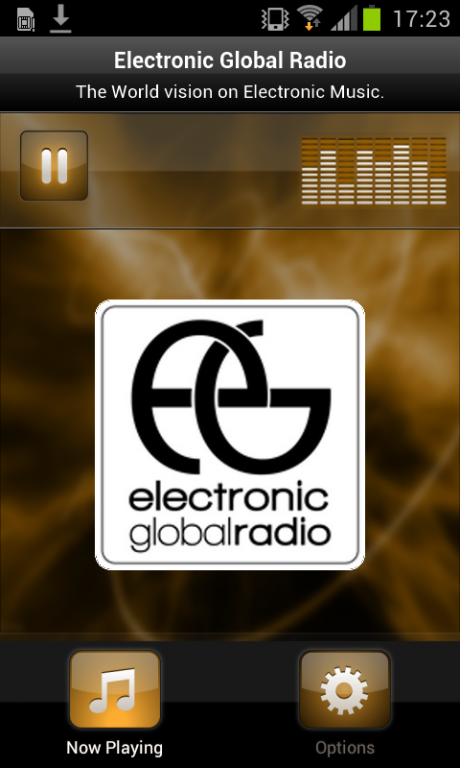
Plays Electronic Global Radio - France
Electronic Global Radio is a web radio made by DJ around the world.
Our goal is to share electronic music and a new point of view about clubbing all over the world
www.electronicglobalradio.com
With some djs around the world, like Dj Shu-Ma (japan), Marco Lys (Italia), Lady Leb (USA), we work together to promote electronic music around the world.
One goal, how djs represent their own electronic music (house, techno, deep house or other) in their country.
the editorial content is performed by an australian web magazine Magnetic Mag.
Open your own vision on Electronic vibes!
Have fun!
Weekly DJ:
Lady Leb,Corey Biggs, Miss Kay Dee, Audio Jacker, Andrea Fiorino, Rio Dela Duna, Marco Duke & Alex Blond, KP London, Lavinski, George Elliott & Mark Doyle, Anton Wick, Nick Morisson, Antony Angel, Taylo D Williams, Umek, Stefano Nosferini, Fahmi Azlan
Extra DJ:
DJ Dan, Esquire, Paul Velocity, Vlada Asanin, Luke Fair, Elizabeth Jay, Dj Shu-Ma, Marco Lys, B-Zhar, Leo Blanco, Evil Twin, Agu Lukke ...
Label Partner:
Spher Records, Zero Records, 1605, Pornostar, In Stereo, Fierce Angel, Espai, Vamos Music, Dojo Music,Crystal Sound Records, Dum A Dum Records, Zero Urban Records, Great Stuff Recordings,PPMUSIC, Hotfingers, Tiger Records, Guesthouse Music ...
About Electronic Global Radio
The company that develops Electronic Global Radio is Nobex Technologies. The latest version released by its developer is 4.0.16.
To install Electronic Global Radio on your Android device, just click the green Continue To App button above to start the installation process. The app is listed on our website since 2016-12-23 and was downloaded 0 times. We have already checked if the download link is safe, however for your own protection we recommend that you scan the downloaded app with your antivirus. Your antivirus may detect the Electronic Global Radio as malware as malware if the download link to com.nobexinc.wls_10490113.rc is broken.
How to install Electronic Global Radio on your Android device:
- Click on the Continue To App button on our website. This will redirect you to Google Play.
- Once the Electronic Global Radio is shown in the Google Play listing of your Android device, you can start its download and installation. Tap on the Install button located below the search bar and to the right of the app icon.
- A pop-up window with the permissions required by Electronic Global Radio will be shown. Click on Accept to continue the process.
- Electronic Global Radio will be downloaded onto your device, displaying a progress. Once the download completes, the installation will start and you'll get a notification after the installation is finished.
Program Details
System requirements
Download information
Pricing
Version History
version 4.0.16
posted on 2016-12-23
Disclaimer
Official Google Play Link
We do not host Electronic Global Radio on our servers. We did not scan it for viruses, adware, spyware or other type of malware. This app is hosted by Google and passed their terms and conditions to be listed there. We recommend caution when installing it.
The Google Play link for Electronic Global Radio is provided to you by apps112.com without any warranties, representations or guarantees of any kind, so access it at your own risk.
If you have questions regarding this particular app contact the publisher directly. For questions about the functionalities of apps112.com contact us.
